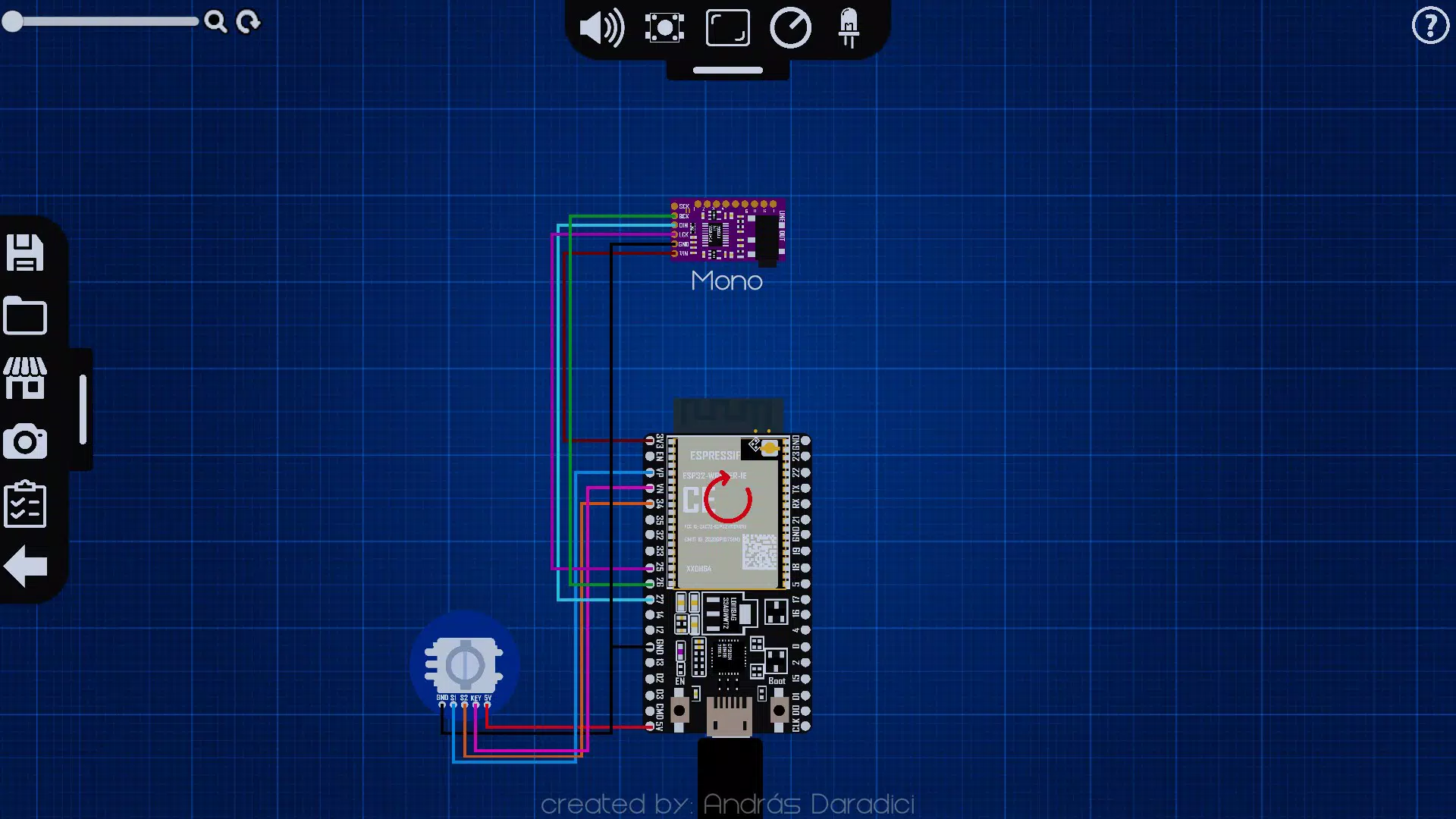
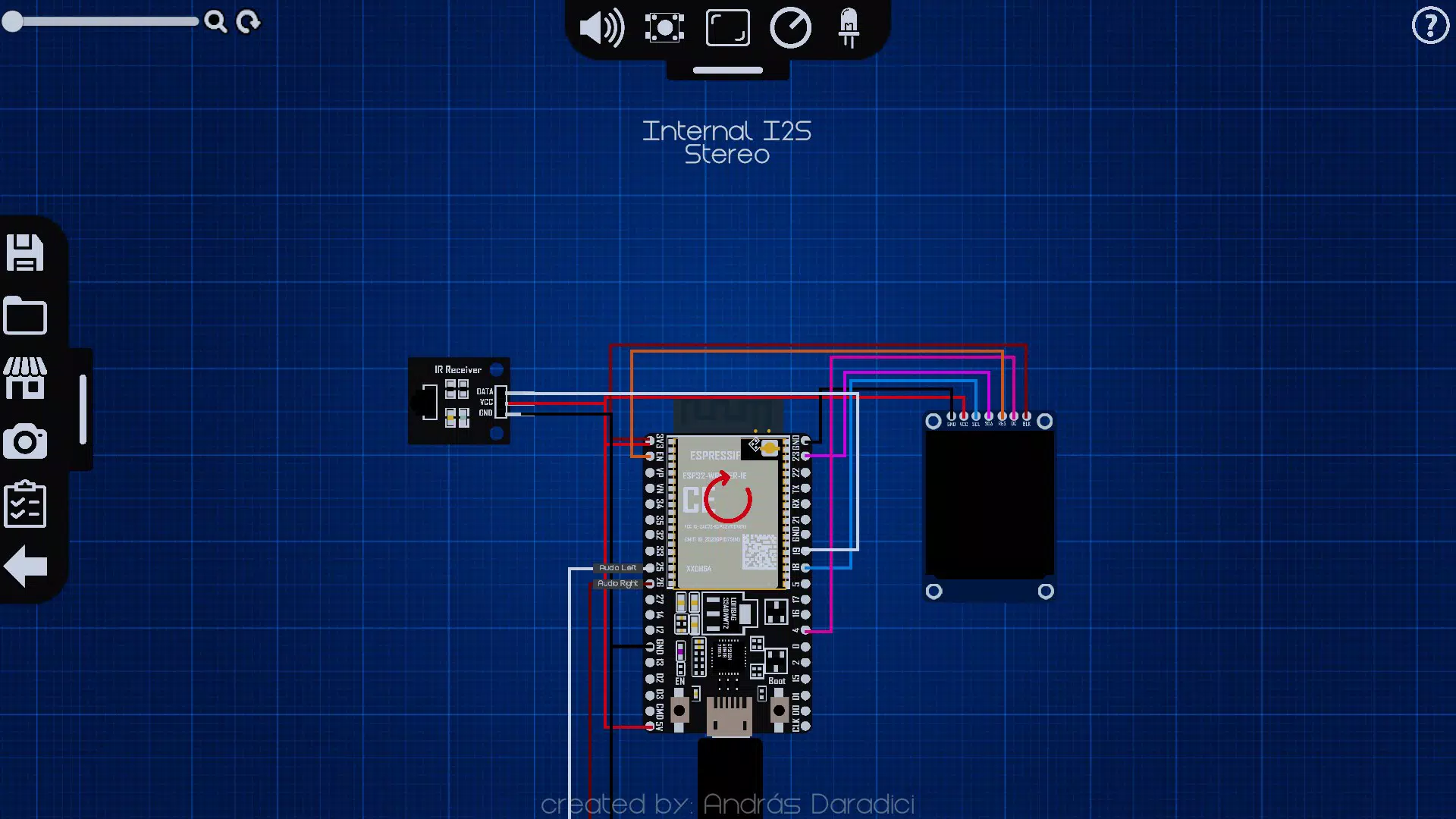
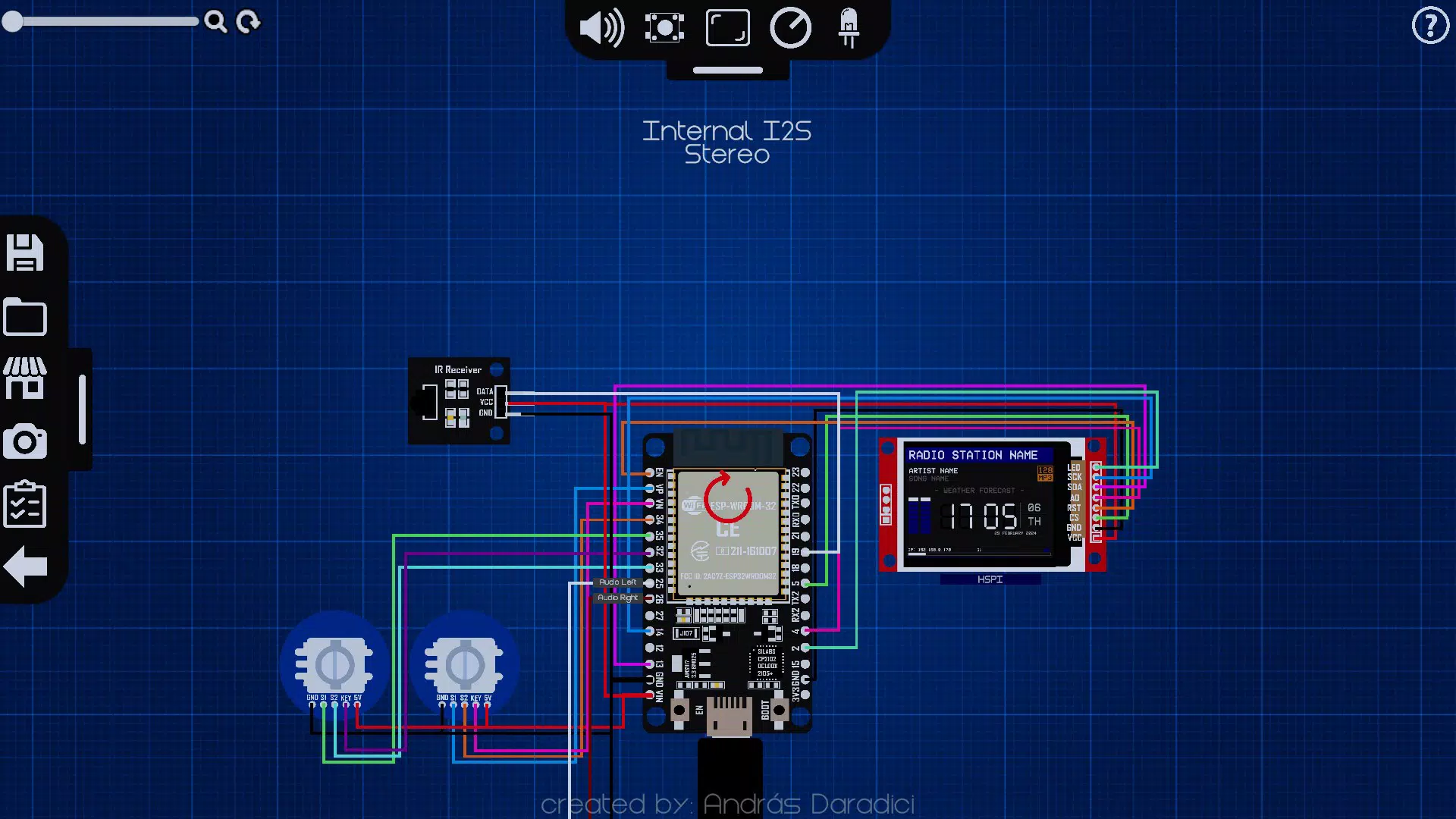
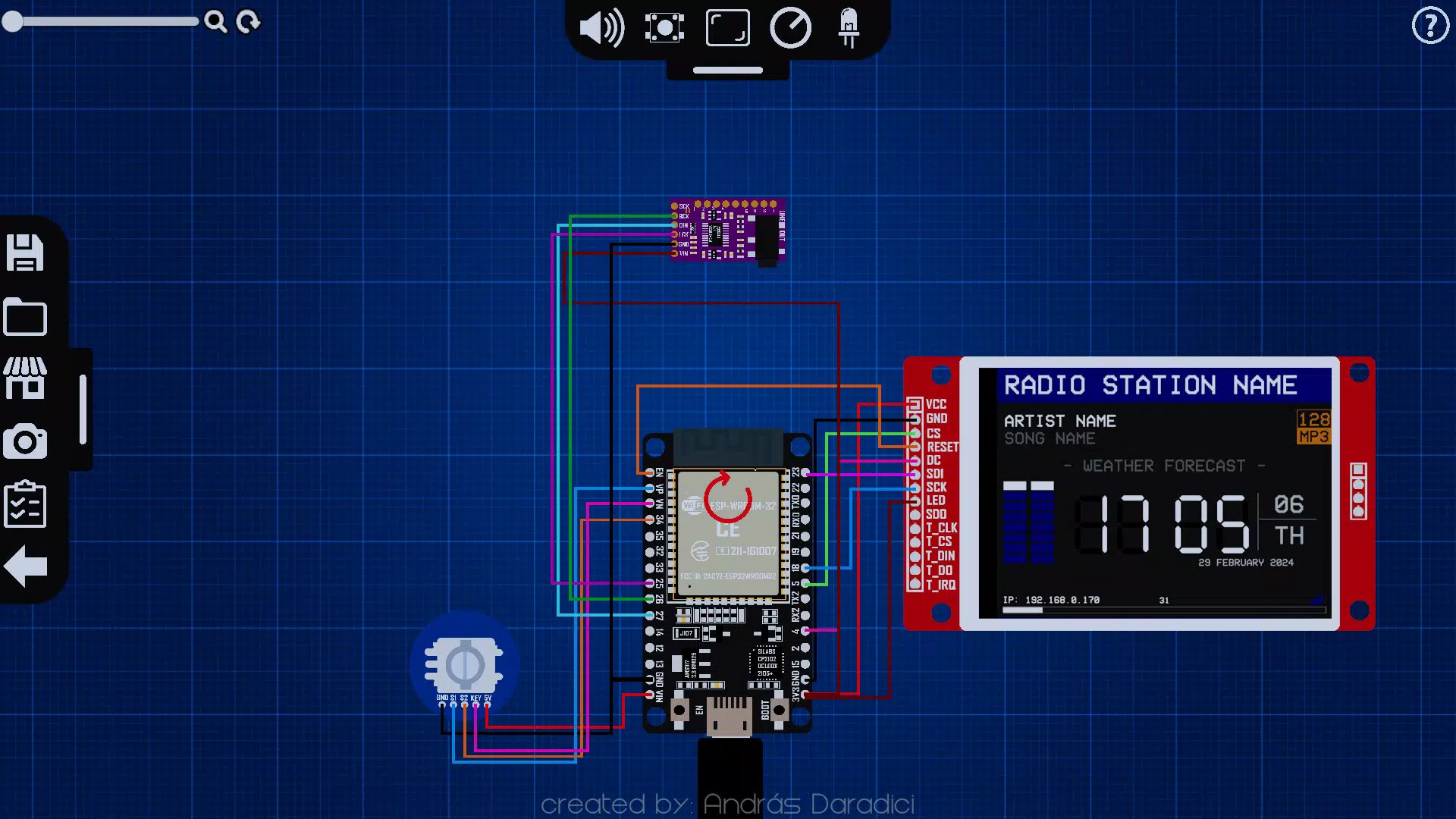

Download YoRadio! Creator – Online Radio Station Builder, Customizable Audio Tools, User-Friendly Design
Overview
YoRadio! Creator is a mobile application designed to empower users to create personalized online radio stations with minimal technical effort. The app targets aspiring broadcasters, content creators, and hobbyists who wish to launch their own digital radio presence without the complexity traditionally associated with audio streaming platforms. By offering a streamlined, intuitive interface, the app enables users to design and configure their radio stations using customizable components, making the process accessible even to those with no prior experience in broadcasting or audio engineering.
Its primary function is to serve as a creative toolkit for shaping the visual and functional identity of a digital radio station. From selecting themes and audio effects to organizing content layouts, YoRadio! Creator focuses on user empowerment and design flexibility. The app solves the common problem of fragmented tools and steep learning curves that often discourage new creators from entering the online radio space. Instead, it provides a unified, simplified environment where users can conceptualize, build, and manage their stations in one place.
Although the developer did not provide additional technical details, the app appears to be tailored for users seeking a lightweight, creative solution for digital radio creation. Real-world use cases include launching niche music channels, community radio projects, podcast networks, or personal audio blogs. In the broader app ecosystem, YoRadio! Creator fills a gap by combining accessibility with customization, offering a unique value proposition for mobile-first creators.
Key Features & Functionality
- User-Friendly Interface: Designed with simplicity in mind, the interface allows users to navigate effortlessly, reducing the time spent on learning and increasing time spent on creativity. This is especially beneficial for beginners who may feel overwhelmed by technical software.
- Customizable Components: Users can select from a range of visual and functional elements—such as themes, genre tags, and audio filters—to tailor the station’s look and sound. This flexibility ensures that each radio station can reflect the creator’s unique identity.
- Automatic File Management: All projects are saved in a dedicated 'YoRadio! Creator' folder within the device’s 'Pictures' directory. This organized structure simplifies access, revision, and sharing of radio station designs across devices.
- Beginner-Friendly Experience: The app includes step-by-step guidance and accessible resources to help new users understand the basics of radio station creation without requiring prior knowledge of audio streaming or web publishing.
- Multi-Platform Compatibility: Built to operate smoothly across different platforms, the app supports flexible workflows, allowing users to create and manage stations from various devices, enhancing usability and convenience.
For example, a music enthusiast could use the customizable components to design a station focused on indie rock, apply a vintage audio filter, and save the setup for future use. A community organizer might build a station for local events, using a clean, minimalist theme and organizing content by date and topic. These practical applications highlight how the app transforms abstract creative ideas into tangible, organized projects.
Interface, UX & Performance
The user interface of YoRadio! Creator emphasizes clarity and ease of navigation. The layout appears to be structured around a central dashboard that provides quick access to core tools such as component selection, project management, and design preview. Visual elements are likely organized in a grid or card-based format, enabling users to browse and select features intuitively.
Navigation flow is designed to minimize friction—users can move from concept to creation with minimal steps, supported by clear icons, labeled menus, and consistent design language. The app’s responsiveness appears to be optimized for touch interaction, ensuring smooth performance on both smartphones and tablets. Although the developer did not list formal performance metrics, the app’s focus on simplicity suggests efficient resource usage, reducing lag and battery drain during extended use.
Stability is implied through the automatic saving of projects, which helps prevent data loss during unexpected interruptions. While specific device compatibility details were not disclosed, the app’s design philosophy suggests it functions reliably across a wide range of modern mobile devices. The absence of reported crashes or errors in public documentation indicates a stable user experience, though real-world performance may vary based on individual device specifications.
Platform Compatibility & Technical Requirements
YoRadio! Creator is available on Android and iOS platforms, making it accessible to a broad user base. The app supports the latest versions of both operating systems, ensuring compatibility with current device hardware and software standards. The file size is approximately 45.2 MB, which is considered lightweight for a creative tool of this nature, allowing for quick installation and minimal storage impact.
Although the developer did not specify minimum OS requirements, the app’s modern interface and functionality suggest it is designed for devices running Android 10 or later and iOS 14 or later. The app’s ability to save files in the 'Pictures' directory indicates integration with standard device file systems, which enhances accessibility and cross-app compatibility.
Users should ensure their device has sufficient storage space to accommodate the app and its project files. While no specific hardware requirements were listed, the app’s lightweight design suggests it can run efficiently on mid-range and high-end smartphones and tablets alike.
Pros and Cons
- Intuitive interface suitable for beginners and experienced users alike
- Automatic project saving to a dedicated folder for easy access
- High degree of customization for radio station design and audio features
- Multi-platform support enhances workflow flexibility
- Lightweight file size (45.2 MB) for fast installation
- Specific OS requirements were not disclosed
- Developer did not provide information on update frequency
- No details on cloud sync or backup functionality
- Performance on older devices was not tested or confirmed
- Integration with external streaming platforms was not mentioned
FAQ
Is YoRadio! Creator free to download and use?
The app’s pricing model was not disclosed in the provided information. Users should check the app store listing for current pricing details.
Can I use YoRadio! Creator on both Android and iOS?
Yes, the app is designed to operate across both Android and iOS platforms, offering multi-platform compatibility for greater accessibility.
How are my radio station projects saved?
All projects are automatically saved in a dedicated 'YoRadio! Creator' folder within the device’s 'Pictures' directory, ensuring organized and easy access.
Does YoRadio! Creator support cloud backup or sync?
The developer did not provide information on cloud backup or synchronization features. Users should manually back up their projects if needed.
What devices can run YoRadio! Creator?
The app is intended for use on modern smartphones and tablets. While specific device requirements were not listed, it is likely compatible with devices running Android 10 or later and iOS 14 or later.
Final Thoughts
YoRadio! Creator stands out as a promising tool for individuals eager to explore online radio creation without technical barriers. Its blend of simplicity, customization, and organized file management makes it a strong choice for beginners and casual creators alike. The app’s focus on user experience and creative freedom addresses a real need in the mobile content creation space—offering a lightweight, accessible platform for building digital radio stations.
While some technical details remain undisclosed, the app’s core functionality is clear and well-executed. For anyone looking to launch a personal or niche radio station, YoRadio! Creator provides a solid foundation to turn ideas into reality. Its lightweight design, intuitive layout, and multi-platform support enhance its practicality and appeal.
Download YoRadio! Creator now


